

Our editorial team is comprised of skilled technology experts and developers. To ensure that our research is easy to understand in simple and plain English, we may use AI-assisted tools for grammatical refinement and structural smoothness. However, every technical insight, test, and experience displayed has been fully completed and verified by our human team. All content remains the original property of Droid Expose. See more in our Privacy Policy.
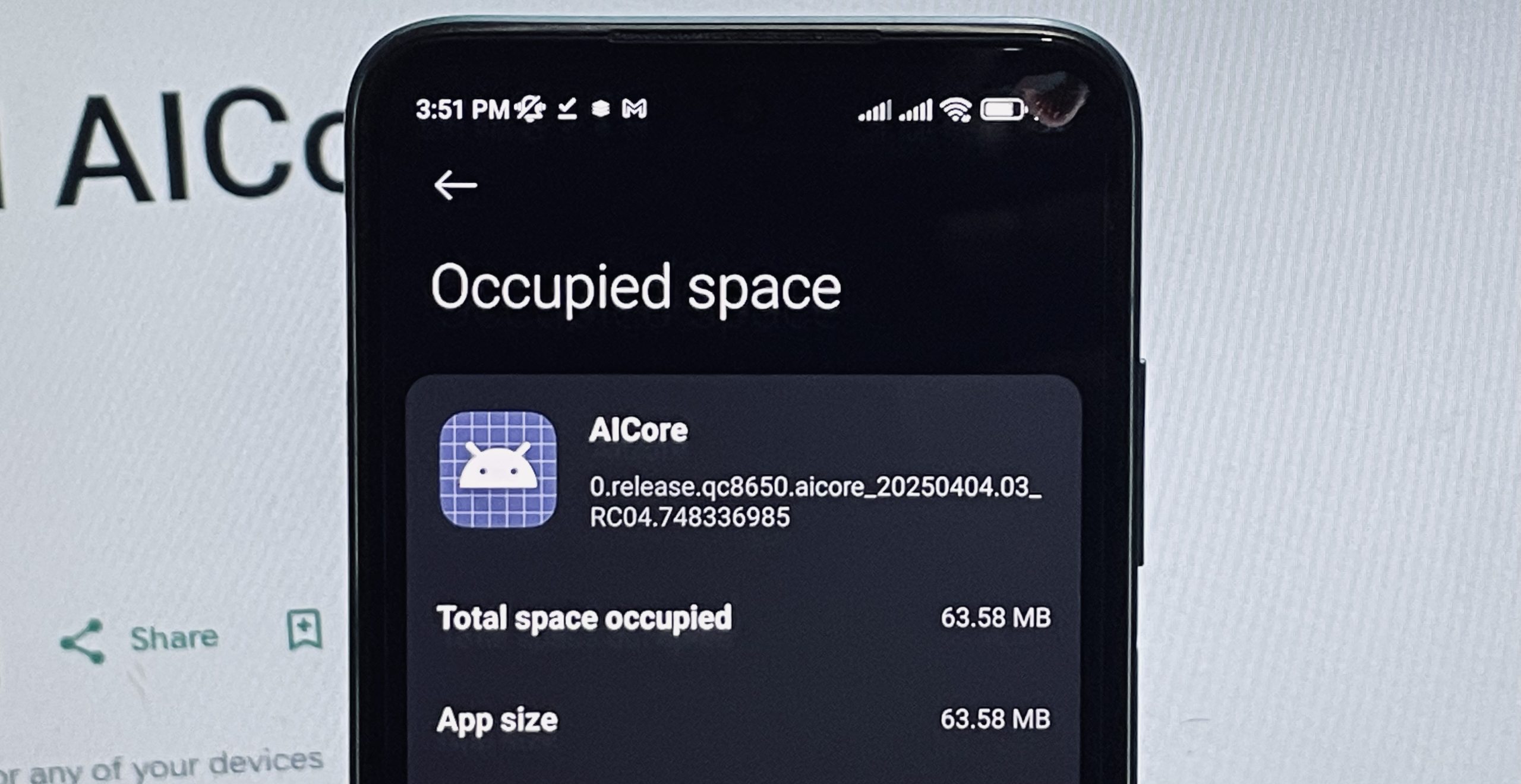
If you have recently checked your phone’s storage and noticed that Android AICore is suddenly taking up several extra gigabytes, you aren’t alone. For a while, this mysterious storage spike left many Android users confused. However, Google has finally cleared the air, explaining that these temporary balloons in data usage are actually a clever safety feature designed to keep your AI tools running smoothly.
Table of Contents
The Fail-Safe Behind the Storage Spike


The explanation is surprisingly simple: it’s all about the update process for Gemini Nano, the large-scale AI model that runs locally on your device.
When Google rolls out a new version of the AI model, AICore doesn’t just delete the old one immediately. Instead, it temporarily keeps both the old and the new versions on your hardware for up to three days. This acts as a fail-safe. If the new update has a bug or crashes, your phone can instantly revert to the stable older version. This prevents you from being forced to re-download gigabytes of data all over again if something goes wrong. Once the system confirms the new update is stable, the old files are deleted automatically, and your storage space returns to normal.
What Exactly Is Android AICore Doing?
Think of AICore as the brain for on-device intelligence on phones running Android 14 or higher. Unlike traditional AI that sends your personal data to a remote server, AICore handles everything using your phone’s built-in processor.
This local processing powers several key features you likely use every day:
- Smart Replies: Provides context-aware suggestions in apps like WhatsApp, Line, and KakaoTalk.
- Summarization: Creates quick recaps of recorded audio in the Recorder app.
- Scam Detection: Identifies potential spam or fraudulent messages before you open them.
- Real-time Transcription: Converts streamed audio or voice files into text instantly.
- Advanced Proofreading: Fixes grammar and language nuances as you type.
Why Keep It Local?
While the storage cost might seem high, the benefits of running these models locally rather than in the cloud are significant:
- Total Privacy: Since the data never leaves your device, your sensitive information is never sent to Google or any external servers.
- Offline Power: These features continue to work even in Airplane Mode or in areas with no reception.
- Zero Lag: There is no round-trip delay to a server, making the features feel much snappier and more reliable.
The Verdict
While it might have been frustrating to see an unexplained storage jump, Google’s explanation makes a lot of sense from an engineering perspective. It’s a trade-off: a few days of extra storage usage in exchange for a private, fast, and crash-proof AI experience.