

Our editorial team is comprised of skilled technology experts and developers. To ensure that our research is easy to understand in simple and plain English, we may use AI-assisted tools for grammatical refinement and structural smoothness. However, every technical insight, test, and experience displayed has been fully completed and verified by our human team. All content remains the original property of Droid Expose. See more in our Privacy Policy.
I check the market a few times a day out of habit more than necessity. Usually that meant typing a ticker into Google search and glancing at the little chart that pops up. It worked fine for a quick number, but it was never built for anything deeper than that.
This week Google changed that. The new Google Finance is officially out of beta, and the update is bigger than I expected when I first read about it.
Table of Contents
Your Portfolio, Actually Tracked
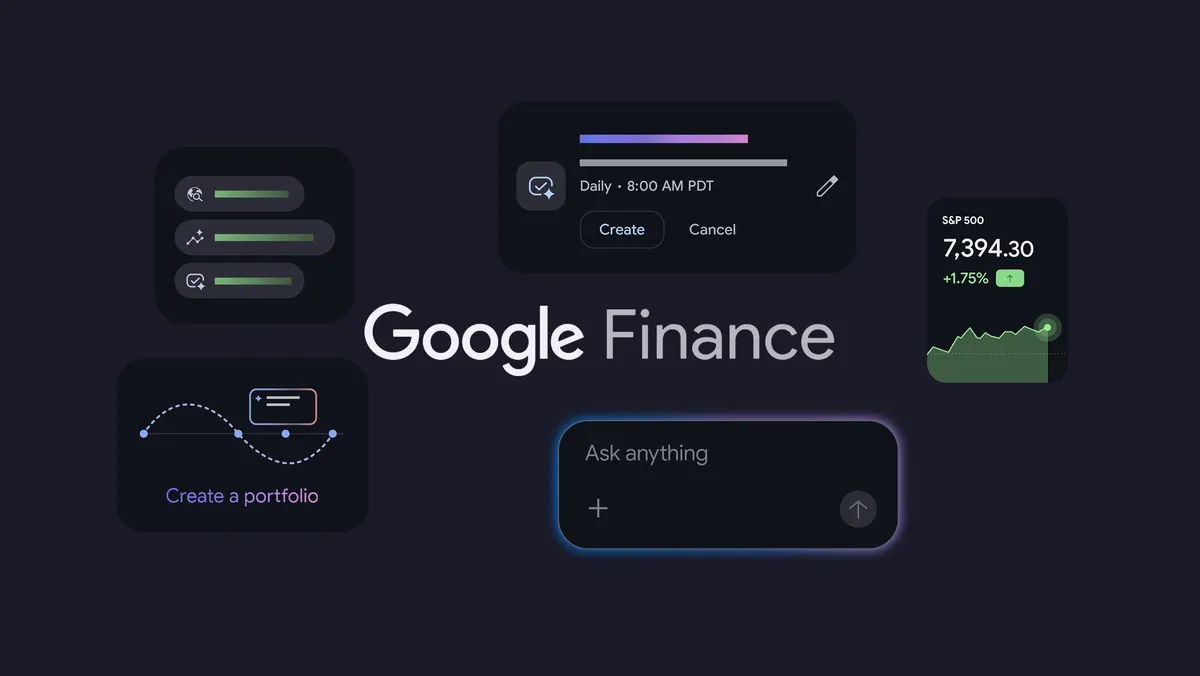
The biggest addition is portfolio tracking, and Google is rolling it out globally starting this week. Instead of checking individual stocks one at a time, you get a single dashboard showing your full portfolio, how it is performing, and how your money is spread across different assets.
Setting it up does not require manually typing in every position. You can upload a CSV or PDF of your holdings, drop in a screenshot, or apparently just describe what you own in plain language and build the portfolio from there. If you already used the older version of Google Finance, your existing portfolio carries over automatically.
What stood out to me is the research layer sitting on top of the portfolio. You can ask it direct questions, things like which sectors you are underweight in, or how your fixed income holdings affect long-term growth. That moves Google Finance from a tracking tool into something closer to a research assistant, at least for the kind of basic portfolio questions most casual investors actually have.
A Market Briefing That Comes to You
The second piece is a new task-based briefing system. Instead of checking the market yourself every morning, you describe what you want and Google Finance does it on a schedule. The example Google gives is asking for a daily pre-market briefing covering overnight moves in major cryptocurrencies, but you can point it at your own watchlist or portfolio instead.
Once it is set up, you get a notification through the Google app on Android or iOS when your briefing is ready. You can also see and edit your scheduled tasks directly inside the research panel on the Google Finance website. This part is live globally as of now, not a slow rollout.
I like this idea in theory. Most people checking markets daily are not doing deep research, they are scanning for anything they need to react to. Letting the tool do that scanning and just surface what matters removes a chunk of the repetitive checking I do out of habit rather than need.
The New Android App
The part I was personally waiting for is the dedicated app, and it is here, but only for Android right now. It brings watchlists, real time data, a live financial news feed, the AI research tool, and a feature called “key moments” that explains why a stock moved when it did, all into one place instead of a browser tab.
Google has said more features are coming to the app over the next few months, including live earnings calls and the new portfolio and task tools that currently live on the web. An iOS version is planned for later this year, so iPhone users are stuck waiting a bit longer.
Is It Worth Switching To
If you already use a brokerage app with built-in tracking, this probably is not replacing that for you. Where I think it earns a place is as the layer above your existing accounts, especially if you hold investments across more than one platform and want one place to see the full picture without logging into three different apps.
The AI research questions are the part I am most curious to actually stress test once I have a real portfolio loaded in. A dashboard is easy to get right. Useful answers to specific financial questions are harder, and that is where this update will either hold up or fall apart.
You can try the new Google Finance now at finance.google.com, and the Android app is live on the Play Store today.