


Our editorial team is comprised of skilled technology experts and developers. To ensure that our research is easy to understand in simple and plain English, we may use AI-assisted tools for grammatical refinement and structural smoothness. However, every technical insight, test, and experience displayed has been fully completed and verified by our human team. All content remains the original property of Droid Expose. See more in our Privacy Policy.
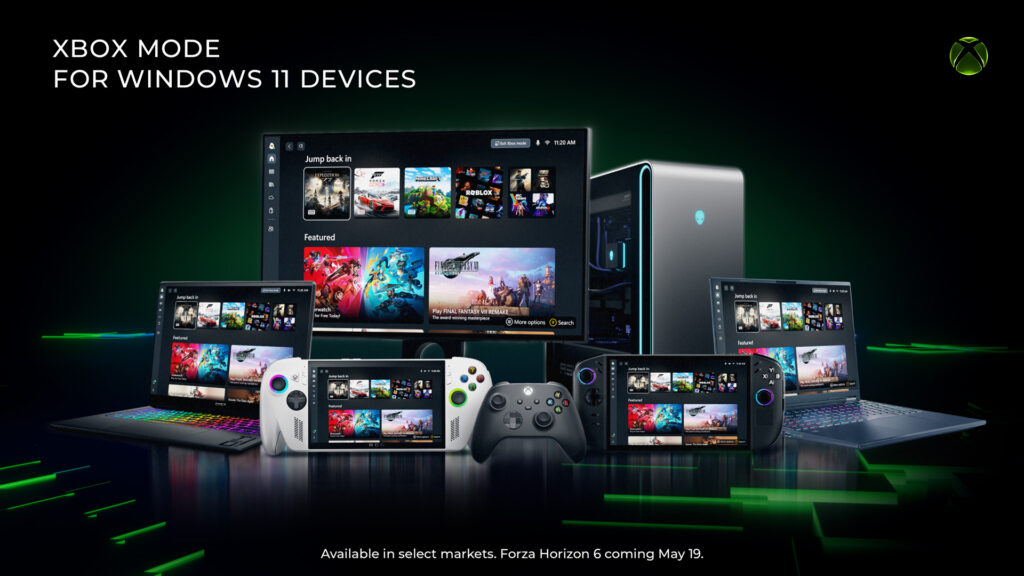
Microsoft is making it much easier to turn your PC into a gaming console. On April 30, 2026, the company announced that Xbox mode has started rolling out to Windows 11 laptops, desktops, and tablets. This new feature creates a full-screen, controller-friendly interface that looks and feels just like an Xbox console.
The update aims to bridge the gap between PC and console gaming, providing a streamlined experience that lets your games take center stage while minimizing background distractions.
Table of Contents
A Better Way to Play on PC
Xbox mode is designed specifically for gamers who prefer using a controller over a mouse and keyboard. It was originally tested on Windows handheld devices like the Asus ROG Ally under the name Xbox Full Screen Experience. Based on player feedback from those devices, Microsoft has refined the interface for all Windows 11 users.
With this new mode, you can:
- Launch and Browse Games: Use a controller-optimized menu to find and start your games quickly.
- Access a Unified Library: See all your installed games from different PC stores and the full Xbox Game Pass catalog in one place.
- Switch Instantly: Move back and forth between the new Xbox mode and your regular Windows 11 desktop whenever you need to.
How to Get Xbox Mode
The feature is rolling out gradually to select markets starting today, with more regions expected to get access over the next few weeks. To see if the update is available for your device, you should follow these steps:
- Open the Settings menu on your Windows 11 PC.
- Go to- Windows Update.
- Turn on the toggle for- Get the latest updates as soon as they are available.
More Xbox Updates Today
Alongside the PC rollout, Microsoft is also updating the Xbox console dashboard. Console players can now disable Quick Resume for specific games and use custom colors to decorate their dashboard. Meanwhile, handheld users are getting a preview of Auto SR upscaling technology to help games look sharper and run smoother.