


Our editorial team is comprised of skilled technology experts and developers. To ensure that our research is easy to understand in simple and plain English, we may use AI-assisted tools for grammatical refinement and structural smoothness. However, every technical insight, test, and experience displayed has been fully completed and verified by our human team. All content remains the original property of Droid Expose. See more in our Privacy Policy.
If you own a Xiaomi phone and have ever tried to send a photo to an iPhone user standing right next to you, you know the drill. No shared file sharing system. No direct transfer. You either airdrop it to yourself, use WhatsApp and lose quality, or find some cloud workaround. It was one of those small daily frictions that nobody talks about but everyone who uses Android around iPhone users has felt.
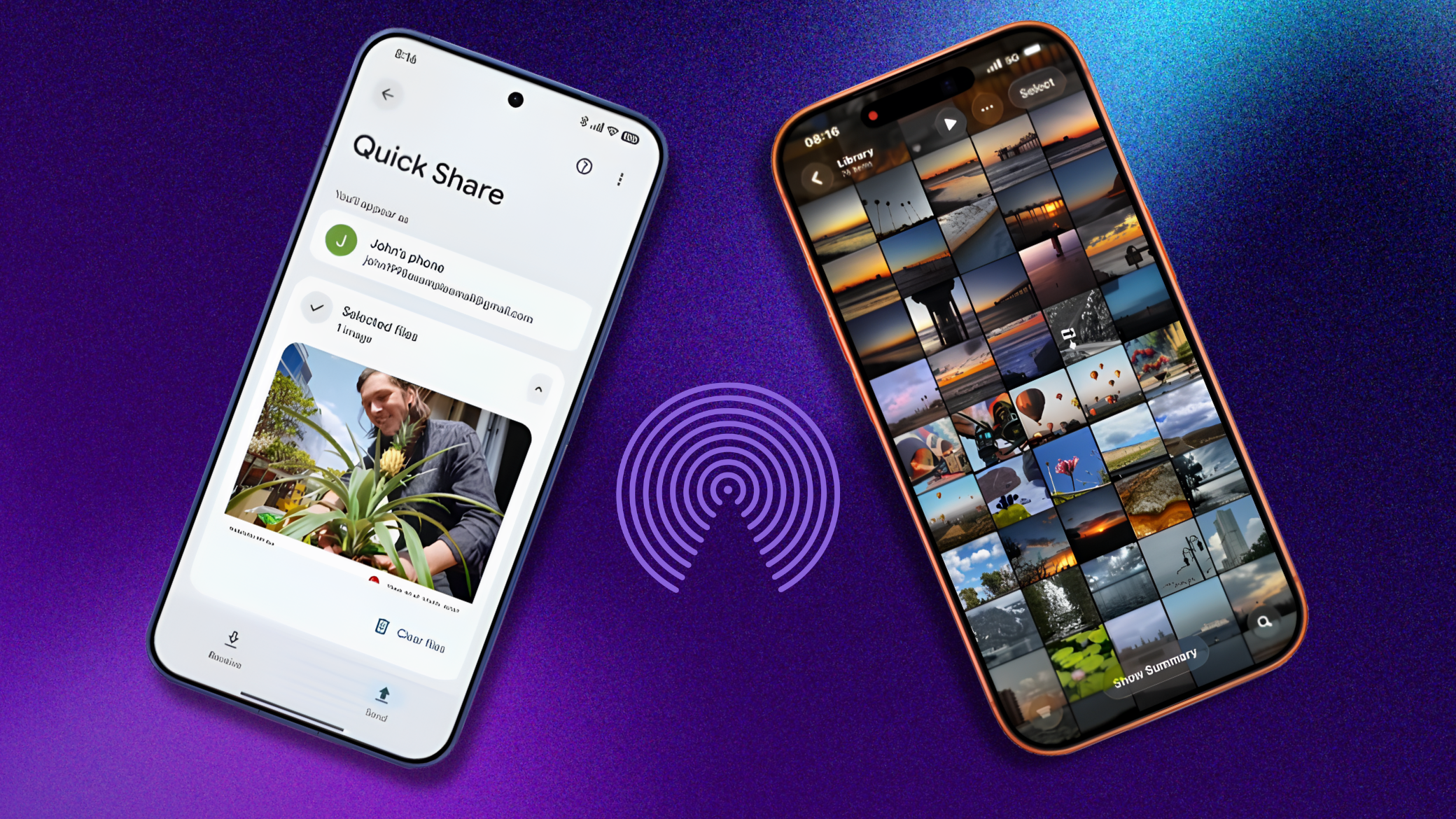
Xiaomi confirmed via its official HyperOS X account, that AirDrop support is now available through Quick Share on HyperOS 3. The announcement reads: “AirDrop is now available on Quick Share fast, seamless sharing of photos and files to Apple devices.” The video Xiaomi posted shows the feature working on the Xiaomi 17T Pro, which we covered at its global launch last week.
Table of Contents
We Already Tested This- Here Is What It Actually Feels Like
Before Xiaomi’s announcement, we tested Quick Share’s AirDrop feature on a Pixel 9 sending to an iPhone 15 Pro Max. One thing worth knowing before you try it: the feature depends on having the latest Quick Share extension installed, not just the latest Android version. You can check and update it by going to Settings > All services > System services > Quick Share extension. If yours is outdated, the feature either will not appear or will not discover nearby Apple devices.
Once updated, the process is straightforward. Set the iPhone’s AirDrop to “Everyone for 10 Minutes,” open Quick Share on the Android device, select the file, and the iPhone appeared in the device list within a few seconds. We sent a 2GB zip file and the transfer completed quickly over the local Wi-Fi connection no cloud involved, no app needed on either side.
That firsthand experience is what makes Xiaomi’s announcement feel meaningful rather than just another software changelog. The feature works as described, and when both devices are set up correctly, it is genuinely faster and simpler than any third party workaround we used before.
What Quick Share AirDrop Actually Is
This is not a third party workaround and it is not a cloud based transfer. According to Google’s official Android support documentation, Quick Share’s AirDrop compatibility works as a peer-to-peer, protocol-level connection the file goes directly between the two devices over a local Wi-Fi connection, not through any server.
This appears to be a protocol level handshake, not a simple cloud-based workaround, as when the feature first launched on Pixel 10 in November 2025. Google built it independently to address cross platform interoperability, without Apple’s official involvement.
The transfer works both ways. You can send content to an iPhone, iPad, or macOS device, and your files stay secure with end-to-end encryption. On the receiving end, Google is hoping to eventually make the feature work with other modes and has stated it welcomes the opportunity to work with Apple to enable “Contacts Only” mode in the future.
There Is One Requirement on the iPhone Side
The feature works, but it is not completely frictionless yet. iPhone users can set AirDrop to “Everyone for 10 Minutes” or “Contacts Only” indefinitely if the iPhone’s AirDrop setting is set to “Contacts Only,” Quick Share will not be able to discover the Apple device. So for the transfer to work, the iPhone user needs to go to Control Center, long-press the AirDrop icon, and switch it to “Everyone for 10 Minutes” before the Xiaomi phone can see it.
That is a real friction point. The iPhone user has to take an action first, every time, unless they leave AirDrop permanently open to everyone which most people do not do for privacy reasons. It works, but it is not as seamless as AirDropping between two iPhones. Google has acknowledged this limitation and is working on a fix, but in “Contacts Only” mode, AirDrop relies on checks from Apple’s iCloud servers to verify identity, which Google doesn’t have access to, so resolving that will likely require Apple’s cooperation.
For now, if both sides adjust their settings, the actual transfer is quick and does not require any app.
Which Xiaomi Phones Support It
This is where things are still unclear. While the Xiaomi 17T Pro is currently confirmed to support the feature, Xiaomi has not yet revealed which older devices will receive AirDrop compatibility. The functionality is expected to gradually roll out to more HyperOS 3 powered smartphones in the coming months.
Xiaomi did not confirm whether this feature is available on all HyperOS 3 devices or only a few models, though the X post mentions HyperOS 3, suggesting it may be available across HyperOS 3 devices broadly. Based on what we know from the HyperOS 3 rollout, Xiaomi announced in September 2025 that a total of 70 devices are eligible to receive the HyperOS 3 update. Not all of those are confirmed to receive the AirDrop feature budget and older models are less certain.
The safest assumption right now: if you have a current Xiaomi flagship running HyperOS 3, the feature is likely coming. If you have an older or budget Redmi or POCO device, wait for Xiaomi to confirm your model specifically.
How Xiaomi Fits Into the Bigger Picture
Xiaomi is not the first to do this. Google says the feature will expand to Samsung, OPPO, OnePlus, Vivo, Xiaomi, and HONOR devices in 2026. Samsung already added it to the Galaxy S26 series in March 2026. OPPO and Vivo followed. Xiaomi is now the latest to join.
What makes Xiaomi’s entry meaningful is market reach. Xiaomi is one of the top three smartphone manufacturers globally by shipment volume, and it sells heavily in markets South and Southeast Asia, Europe, Latin America, the Middle East where people regularly mix Android and iPhone devices in the same social and work circles. The friction of Android to iPhone file sharing is felt more in those markets than almost anywhere else. Xiaomi’s participation makes the feature more relevant in global markets where Xiaomi, Redmi, and POCO phones are common.
For anyone who already owns a Xiaomi 17T or 17T Pro both launched globally just last week, this is a useful addition that arrives early in the device’s life rather than as a late software update.
What Still Needs to Improve
The “Everyone for 10 Minutes” requirement on the iPhone is a genuine limitation rather than a minor inconvenience. It means the Xiaomi user cannot simply select a nearby iPhone and send they need to coordinate with the iPhone user first. For sending files to a contact who expects it, that coordination is easy. For anything more spontaneous, it adds a step.
Since the mode used is “Everyone for 10 minutes,” any nearby device might become visible during that window, which carries a small security consideration in crowded public spaces. Bitdefender’s security team recommends verifying the device name before accepting any transfer and disabling discoverability once the transfer is done reasonable advice for any open wireless transfer.
The QR code fallback exists for devices that do not support the direct AirDrop connection. Your files stay secure with end-to-end encryption and remain available for download for 24 hours on Google servers via the QR method, but that route does go through the cloud rather than peer to peer.
The direct AirDrop path through Quick Share is the better option when it is available. It just needs a bit more polish on the discovery side before it feels effortless.