


Our editorial team is comprised of skilled technology experts and developers. To ensure that our research is easy to understand in simple and plain English, we may use AI-assisted tools for grammatical refinement and structural smoothness. However, every technical insight, test, and experience displayed has been fully completed and verified by our human team. All content remains the original property of Droid Expose. See more in our Privacy Policy.
Instagram has a photo-sharing feature that most users stumble into rather than choose. It is called Instants, and after spending time with it, I have a few things worth sharing especially for anyone who has not fully figured out how it works yet.
Table of Contents
What Is Instagram Instants?
Instants is Instagram’s version of spontaneous, unfiltered photo sharing which operates on a “View Once” basis. The idea is similar to BeReal: snap a photo, send it to close friends, no editing, no pressure. It lives inside your Instagram inbox as a small stack of photos in the bottom right corner of the screen.
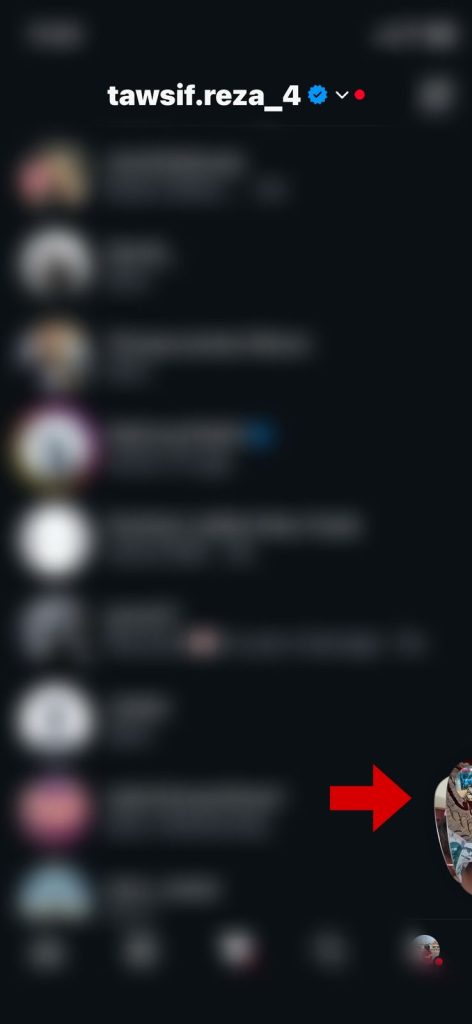
The catch is how it works when you tap it.
A large majority of My Friends Instants Were Accidental
Scrolling through my friends’ Instants, the pattern was hard to miss. Blurry shots, dark photos, partial faces, pictures clearly taken while the phone was still moving. Most of what I saw looked unintentional- not casual, just accidental.
At first I assumed people were just being spontaneous. But the more I looked, the more it became clear that most of them probably did not know they had posted anything at all.
I wanted to attach the accidental photos here with permission, but Instagram blocked screenshots of Instant photos because it was under “View Once” feature.
I Tested It and Here Is Exactly What Happens
I went into the Instants section, tapped on the capture button, and it posted immediately. No preview screen. No confirmation prompt. No share button. Just posted.
For comparison, Instagram Stories shows you a full preview before anything goes live. Snapchat does the same. Instants skips that step entirely. Tap a photo, it goes to your friends. That is the full flow.
This is not a glitch. It is how the feature was designed so people would stop overthinking what they share. The intention makes sense. But in practice, it means a lot of people are posting photos they never meant to send.
Finding Your Own Instants Is Not Obvious
If you want to check what you have already posted, it is not where you might expect it. There is no link from your profile, and nothing in your notification history points back to it until someone reacts or replies to it.
Here is how to find it:
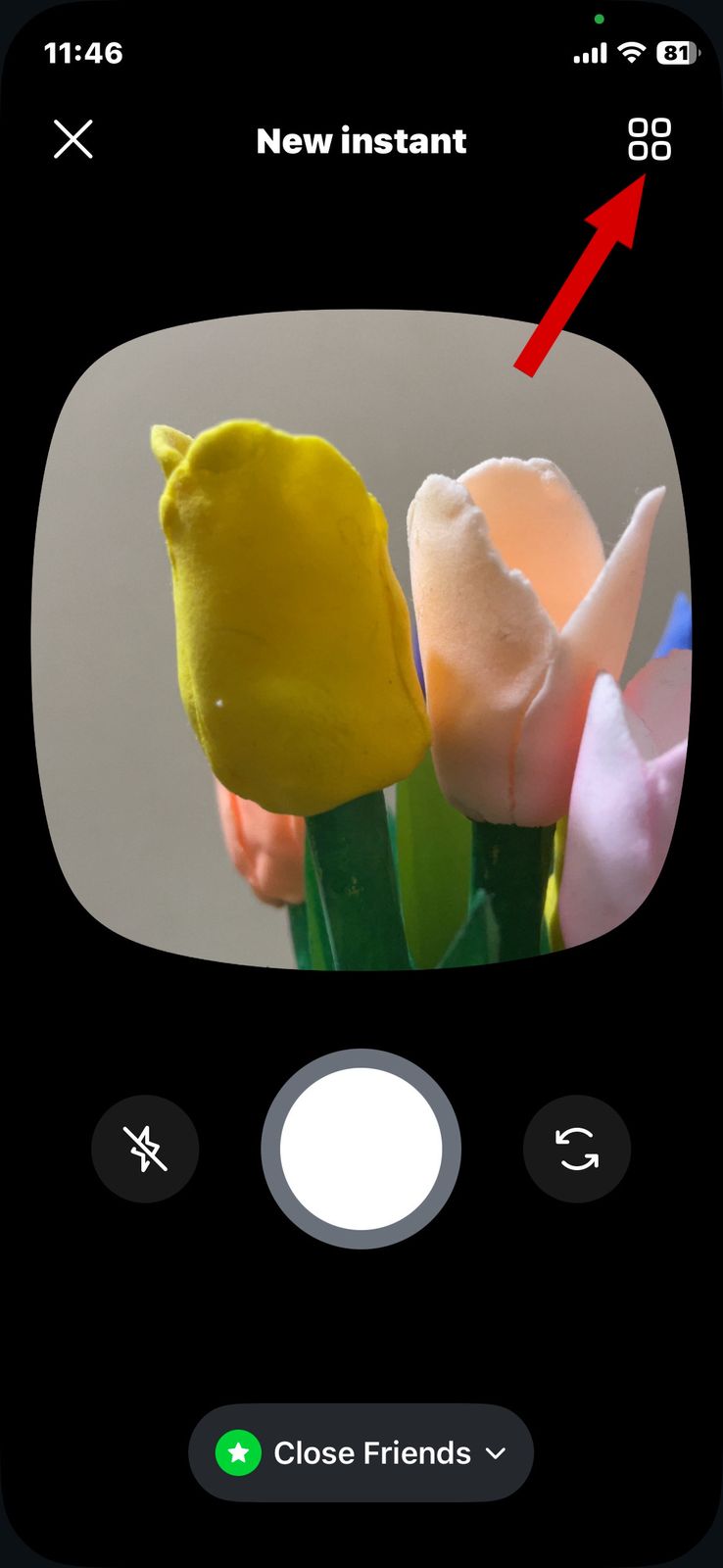
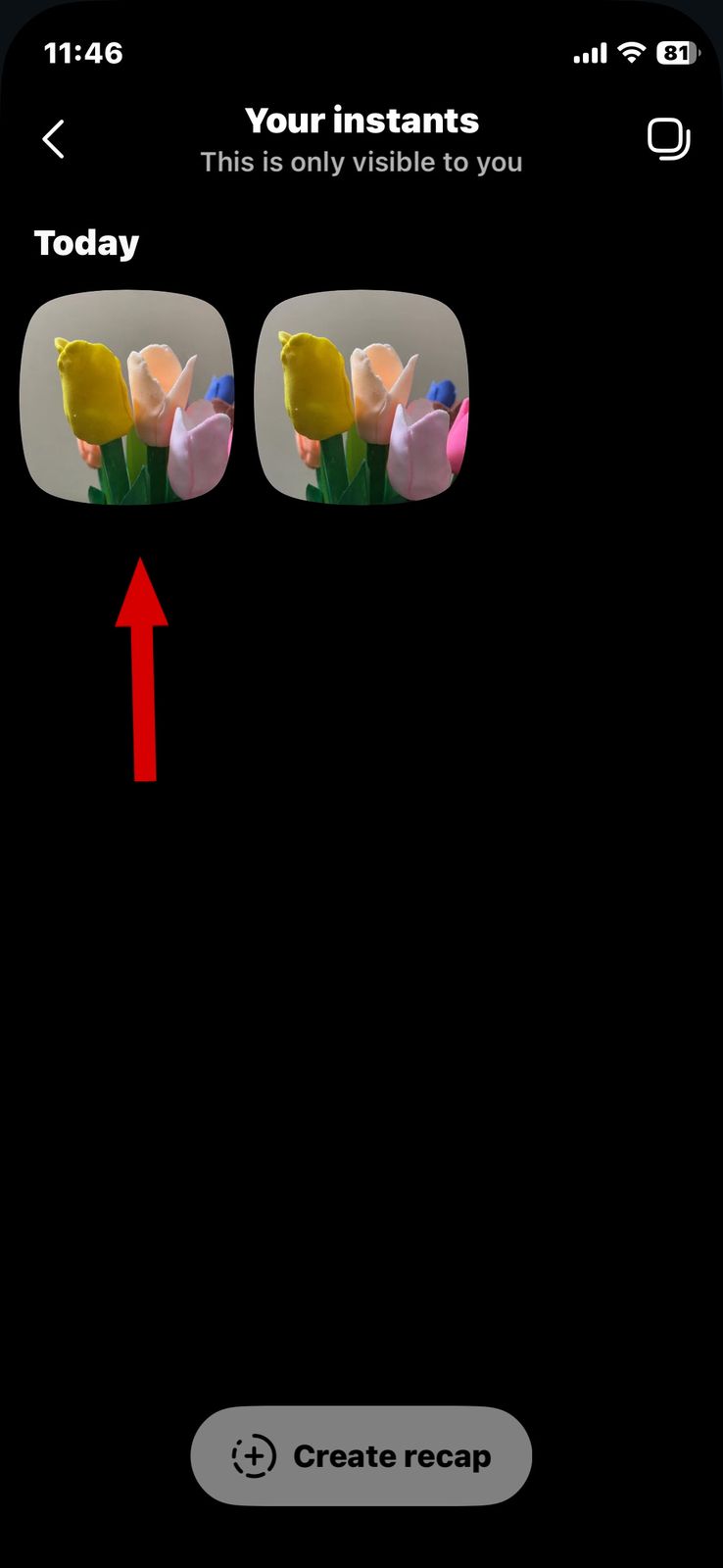
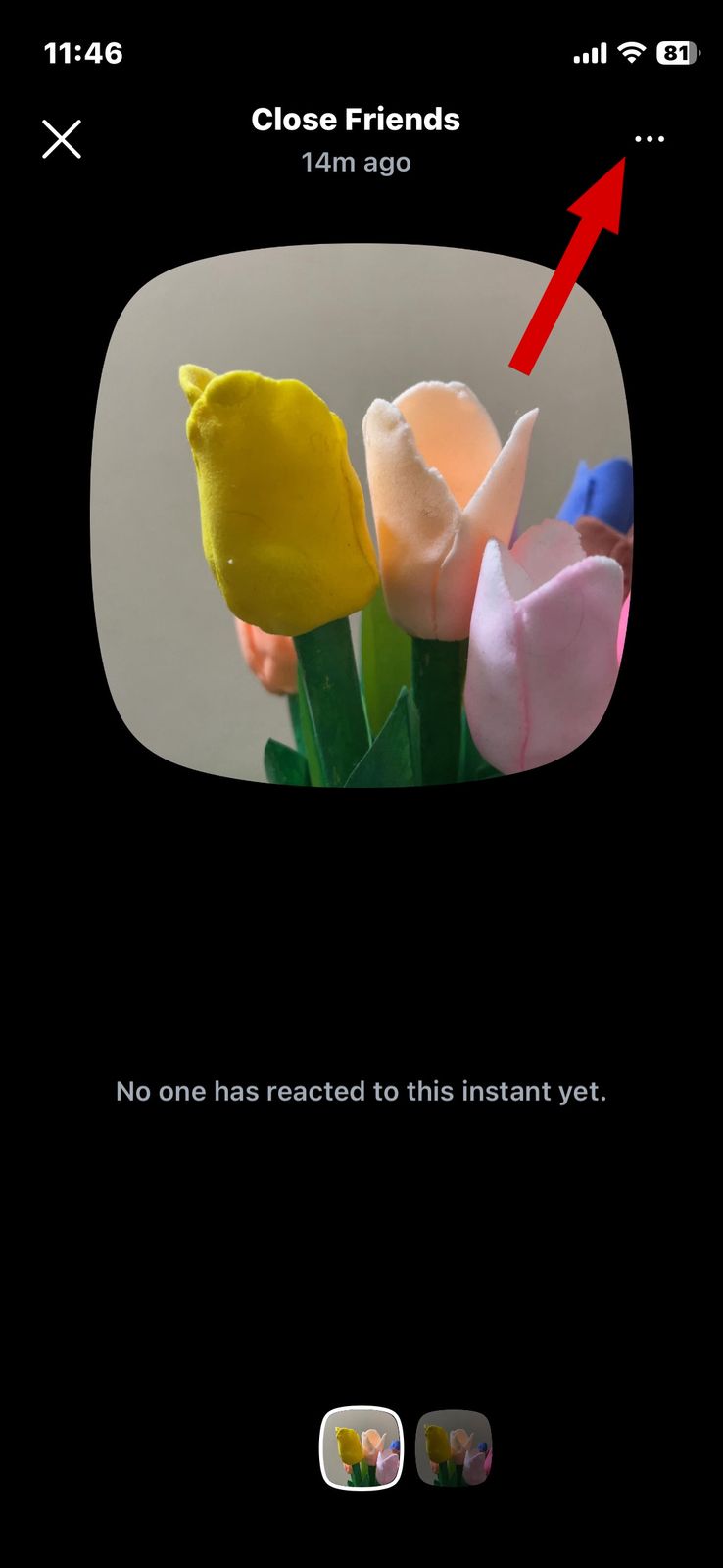
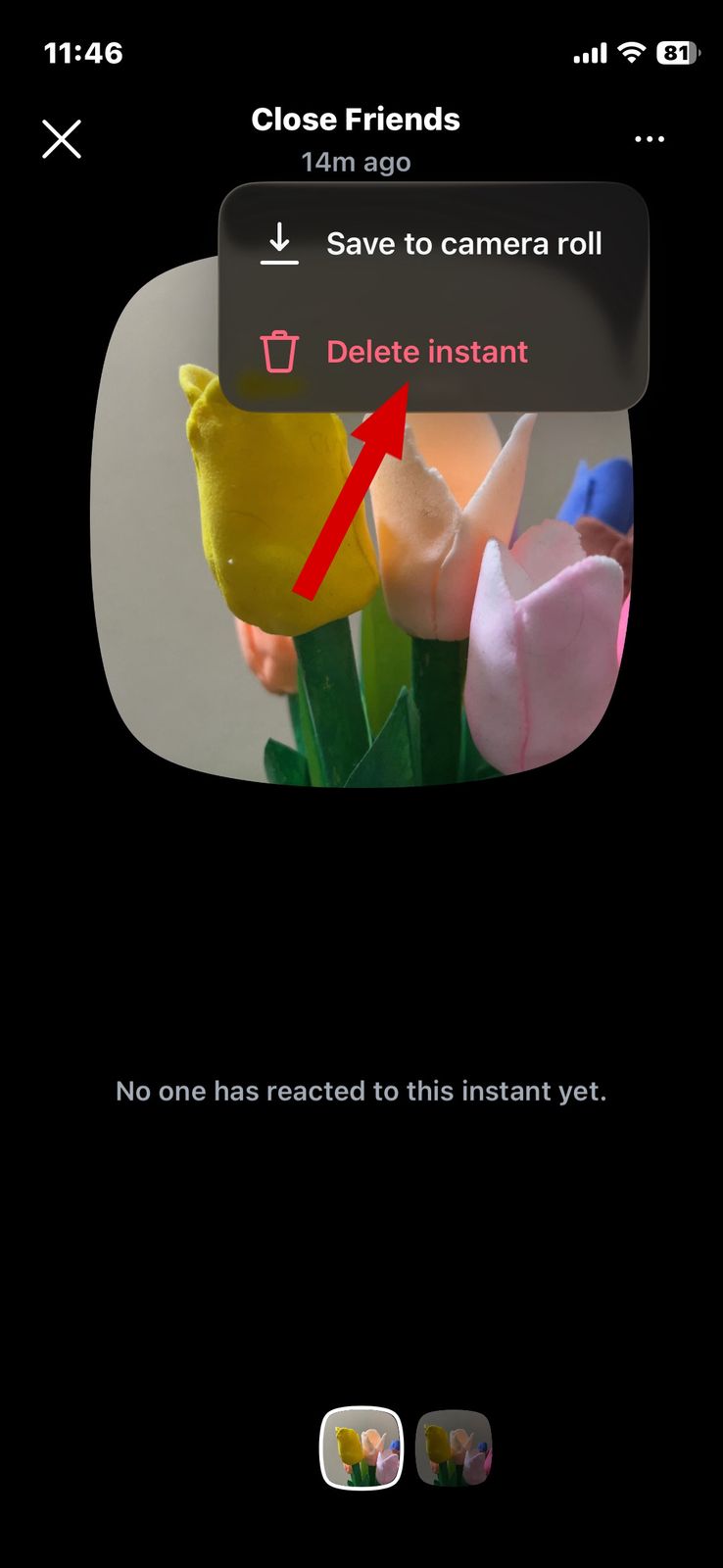
Instagram does let you review and delete old Instants, although the option is surprisingly hidden. You need to open the small photo stack icon inside your inbox, head into the Archive section in the top corner, and then open the three-dot menu on any Instant to delete it.
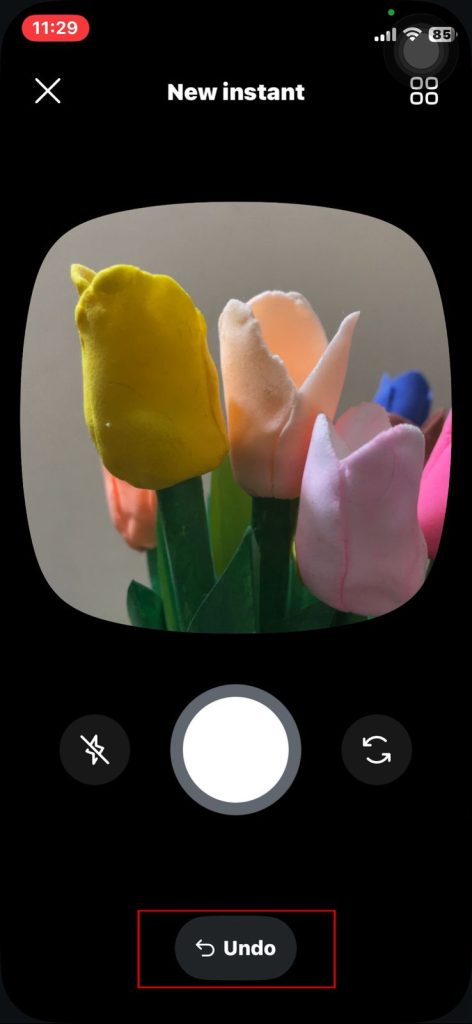
There is also a small “Undo” option that briefly appears after taking a photo. It works, but the problem is that most people will not notice it quickly enough the first time they use the feature.
It works fine once you know it is there. But for new users, finding it is not intuitive, and if you have posted something by mistake, the path to delete it is not immediately obvious.
Most People Do Not Even Know There Was a Separate App
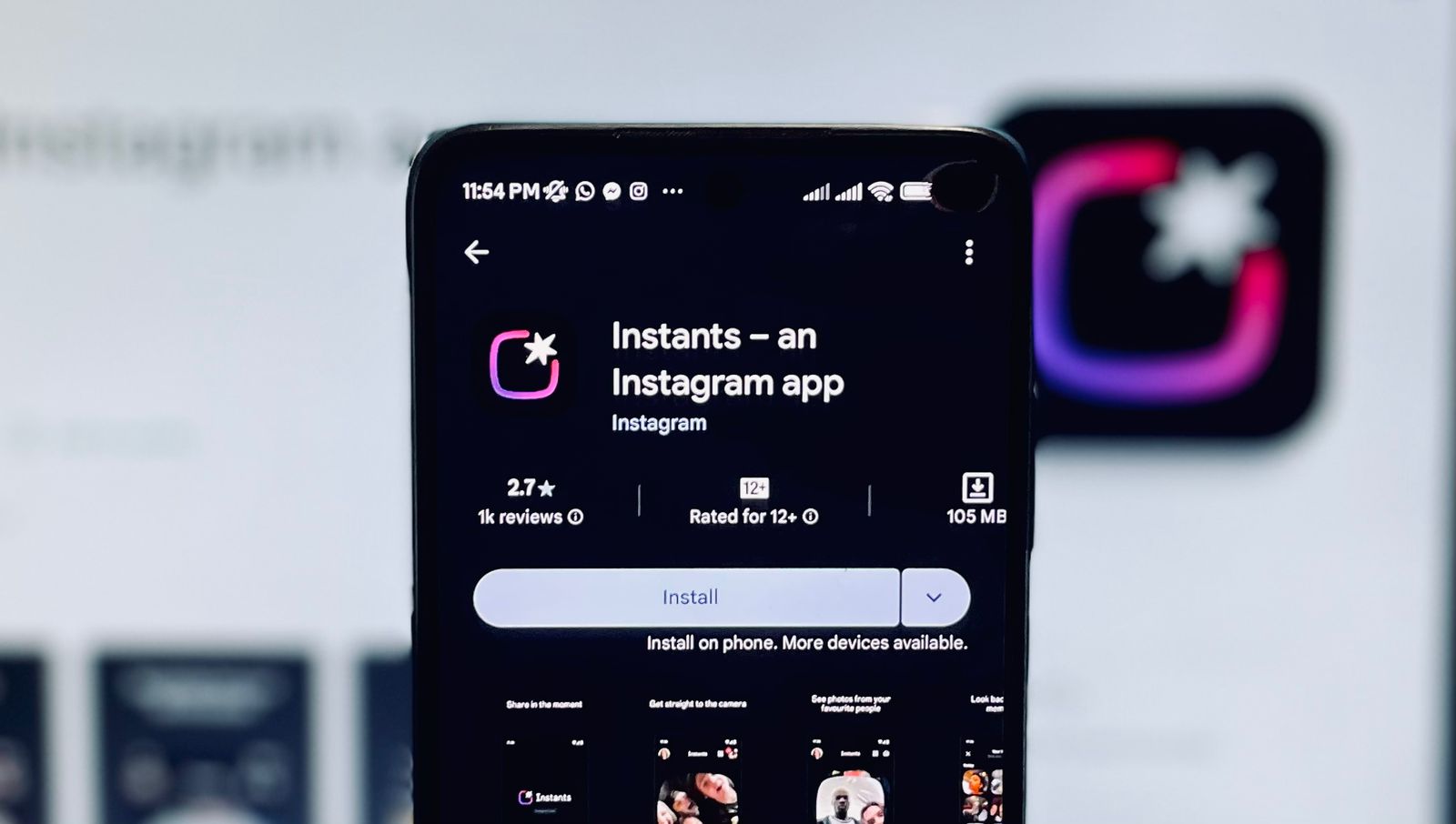
A large number of Instagram users have no idea that Instants was ever a standalone app and the app is available on both the Apple App Store and the Google Play Store. For most people, it simply appeared one day inside their existing Instagram inbox- no download, no setup, no explanation. But a feature breakdown appears after the update arrives in each user account. The settings and features are nearly identical. Whether you use the Instants feature in the main Instagram app or the standalone Instants app, they sync to the same account and share the same core functionality.
What Works Well
To be fair, Instants does have genuine appeal for the right users.
People who use it intentionally enjoy the low-pressure format. No grid to maintain, no aesthetic to keep up just a quick photo shared with friends and gone from their view in 24 hours. For that use case, it works well.
The private archive is also a nice touch. Your Instants stay saved on your end for a full year even after disappearing for viewers, which turns it into a quiet, unedited photo diary.
The Simple Fix Instagram Needs
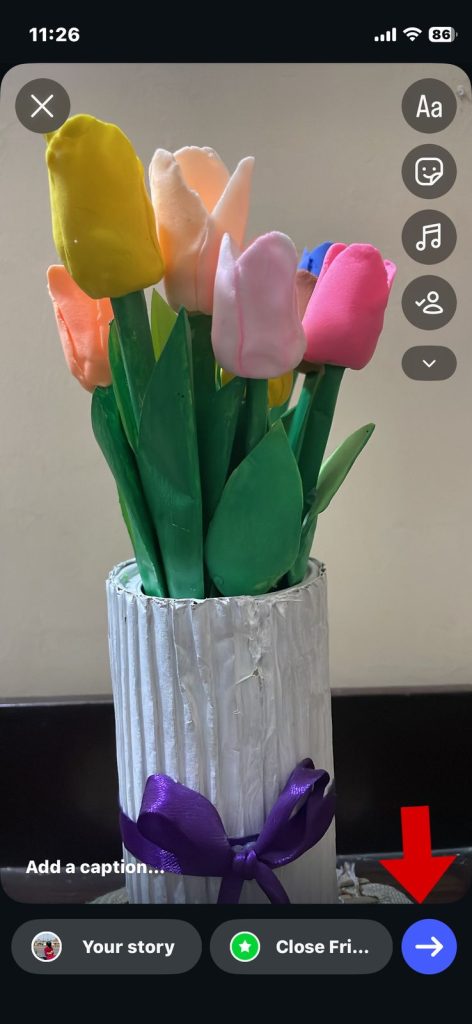
A basic preview screen before posting like every other sharing feature already has would solve most of the complaints. Just a photo preview and a send button. That is all it would take to stop the flood of accidental posts.
Making the archive easier to find would also help, especially for users who are not already comfortable navigating Instagram’s deeper menus.
Instagram Instants is a reasonable idea with one significant flaw: it posts without asking you first. Until that changes, the easiest advice is to know where that photo stack icon is and be deliberate before tapping anything near it. As the update arrives, it introduces new features to every user, which makes it worth understanding before you start tapping around.